
A dedicated tool for Instagram comment extraction and analysis
IG Comment is a comment-focused sub-product under igscraper.io, enabling you to build, iterate, and sunset comment data extraction capabilities independently without interfering with the main business.
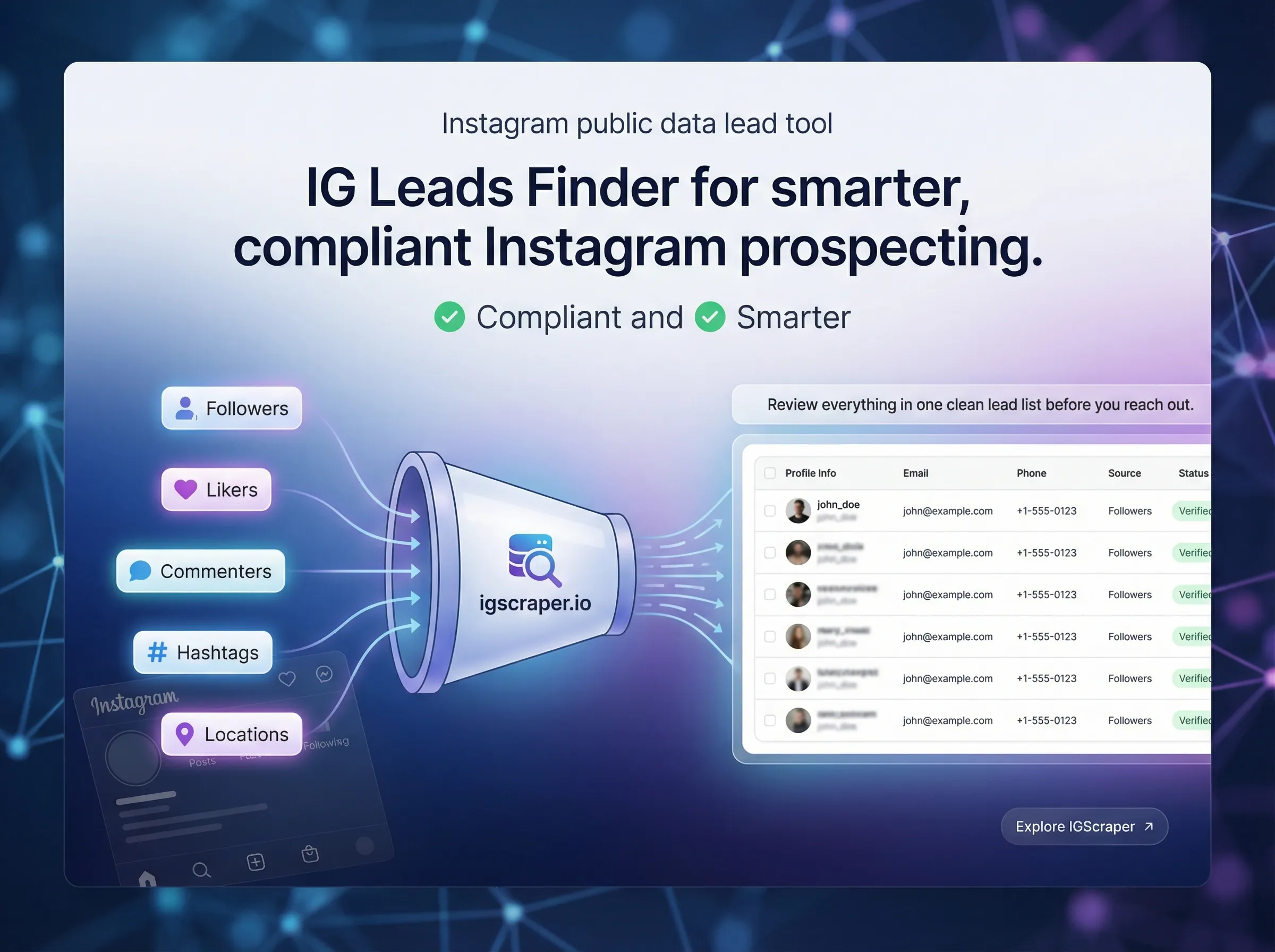
A suite of features optimized for "comment extraction"
Not a generic crawler, but a professional tool crafted for Instagram comment scenarios.
Accurate Comment Data
Batch extract all comments from a specified post
Supports large-scale comment extraction, automatically handling pagination and loading so you never have to copy and paste manually.
Flexible Filtering
Filter by keywords and user attributes
Filter quickly for high-value comments using keywords, usernames, or whether links are included.
One-Click Export
Export as CSV/Excel
Clean, structured export format that can be imported directly into BI, CRM, or custom analysis systems.
Complete high-quality comment extraction in three steps
Maintains the same user experience as the main site, but focuses purely on comment data to help you quickly close the loop from "post" to "analysis data".
Suitable for content creators, growth teams, operations, market research, etc.
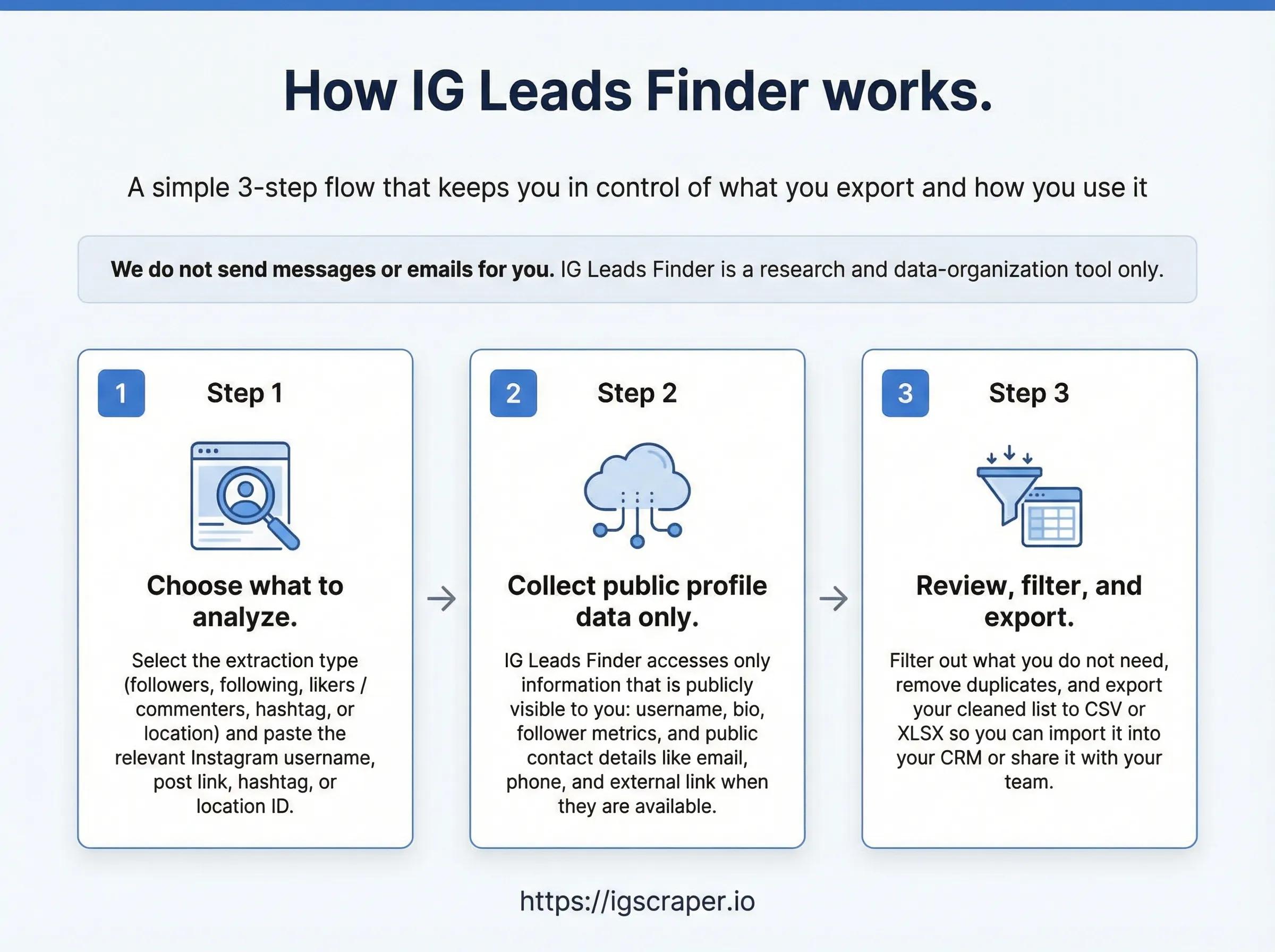
- 1
STEP 1
Open the target Instagram post in your browser
Log into Instagram and go to the detail page of the post you want to analyze. Wait for the page to fully load.
- 2
STEP 2
Click the IG Comment panel to select extraction range
Choose to extract comments on the current post in the extension sidebar, and optionally set max extraction amount and filter conditions.
- 3
STEP 3
View result and export with one click
Once extraction is complete, view all comments in a table and export in CSV/Excel format.
Who is IG Comment for?
If your work involves "comments"—whether for growth experiments, campaign operations, content research, or user insights—IG Comment can turn scattered comment data into analyzable, reusable structured assets.
Growth & Advertising Teams
Quickly filter high-intent users and common questions from ads or promotional post comments to improve ad copy and landing page structure.
Brand & Content Teams
Analyze comment frequency, sentiment, and feedback to guide content topics, comment interaction strategies, and long-term content planning.
Market Research & Consulting
Batch export comments under niche product or brand posts as qualitative samples for user studies or competitor analysis reports.
FAQ
Below are some common questions about IG Comment features and compliance boundaries, to help you explain product usage quickly for billing or internal review.
Does IG Comment automatically send DMs or comments?
No. IG Comment only organizes the public comments you can see in your local browser and exports them as CSV/Excel, so you can analyze or process them in other systems. It does not include any messaging, auto-reach, or mass-sending features.
Does IG Comment access or store my Instagram account password?
No. IG Comment works in your logged-in browser session, does not request or store your Instagram password, and only reads public comment data you can already see on the webpage.
How does IG Comment charge/what are the pricing plans?
IG Comment is available via the Chrome Web Store with Monthly, Quarterly, Yearly, and Lifetime payment options. You can view detailed pricing on the pricing page and subscribe or purchase through the Chrome Web Store.